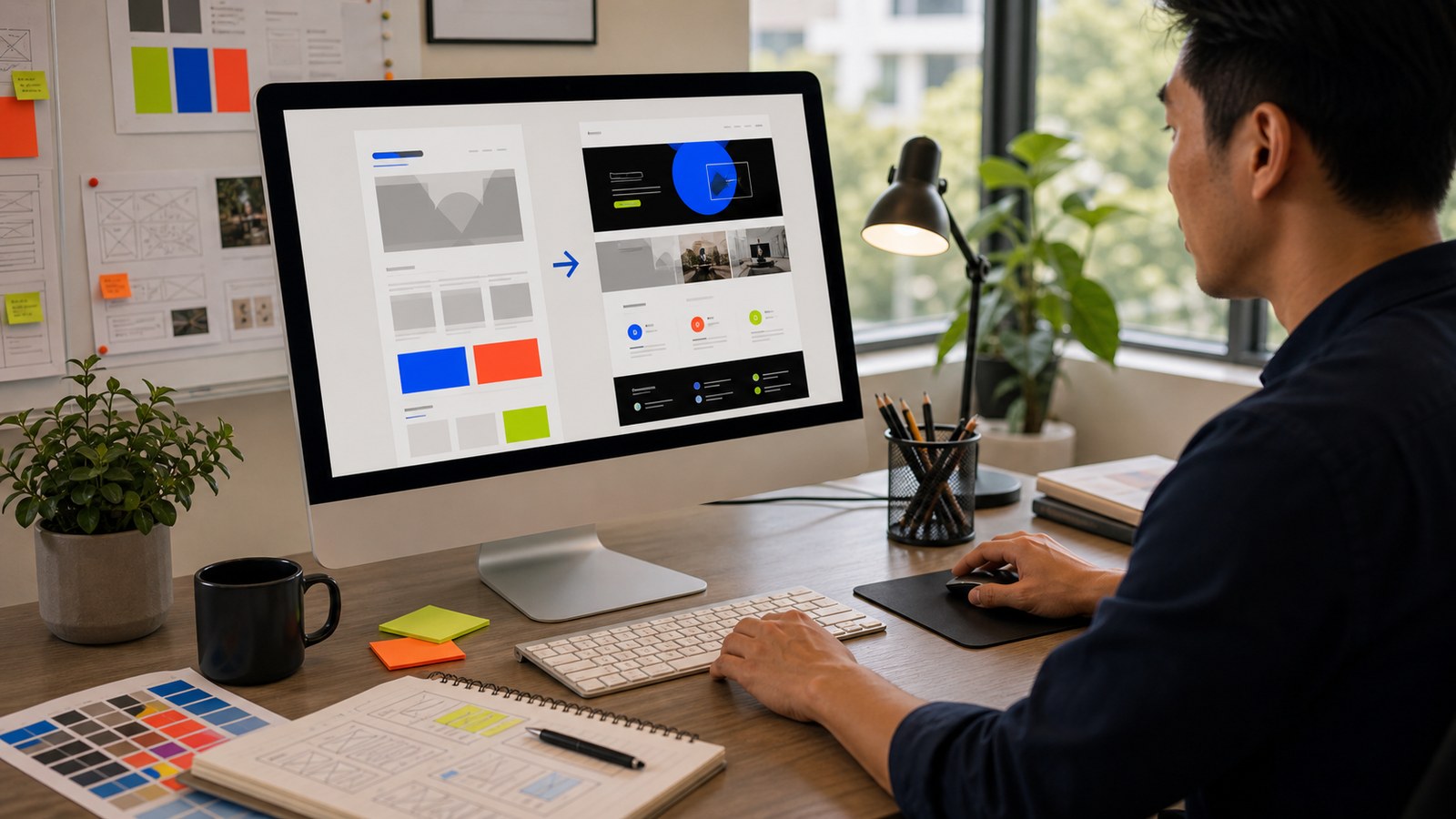
There's a thing on your company website that's been bugging you for months. A section that reads badly. A landing page that looks dated. A layout that doesn't work on a phone. You've mentioned it, it went on a list somewhere, and nothing happened.
Here's what most people don't realise: you can probably fix it yourself this weekend. No developer, no agency, no waiting. The tools got good enough that a marketer with no coding background can make real improvements to a website. Let me show you how to start.
Why this is possible now
A year ago, touching your company's website meant raising a request and waiting for someone technical. That's still true for the deep plumbing. But for the things marketers actually care about, the words, the layout, the look, the design tools have caught up.
You describe what you want in plain English, and the AI builds it. You look at it, ask for changes, and it adjusts. The same loop as any other AI task, except the output is a real web page.
The single best thing you can do: show it examples
Before you describe anything, gather two or three websites whose look you like, and give them to the AI as references. This one move does more for the result than any amount of describing.
The reason is simple. "Make it look modern and clean" means a hundred different things, and the AI will guess. But "make it feel like these three sites" gives it something concrete to match: the spacing, the colour mood, the typography, the overall feel. Screenshots work, or just paste the links and ask the AI to look at them. Pick examples from your own industry or a look you genuinely admire, then tell the AI what you like about each one. You'll get something far closer to what's in your head, far faster.
The simplest place to start: Claude Design
If you've never built anything, start here. Claude Design is Anthropic's design tool, included in paid Claude plans (Pro, Max, Team, Enterprise). You describe what you want, it builds a first version, and you refine it by chatting. It can read your existing site so the new work matches your current look, and it exports to Canva, PDF, or slides.
What makes it good for a beginner: there's no setup. You're not installing anything or wrestling with files. You open it, describe the section or page you want to improve, and work from there. For redesigning a hero section, building a cleaner landing page, or mocking up how a change would look before you commit, it's the gentlest possible entry point.
When you want to edit the actual site: Claude Code or Codex
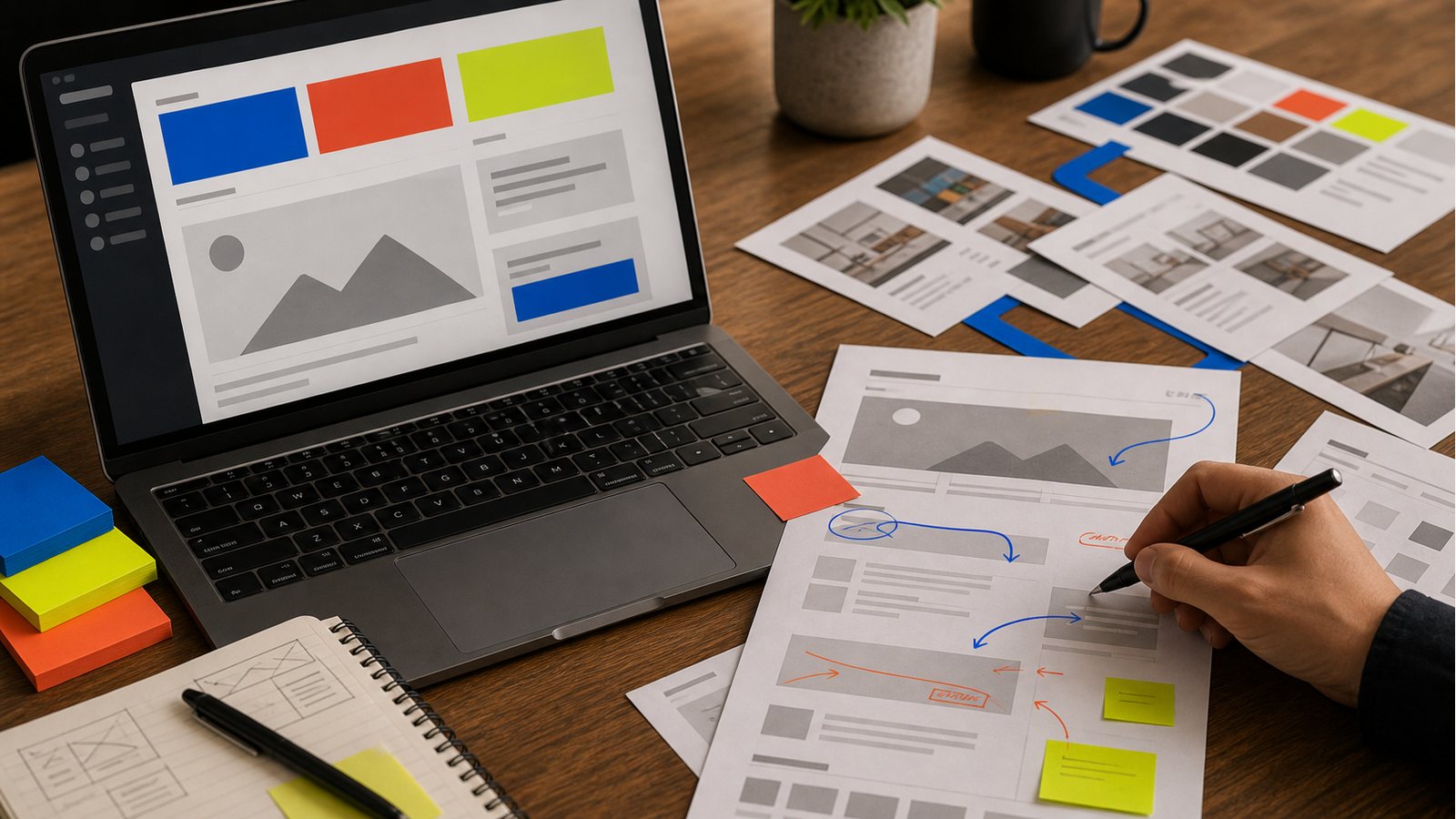
A practical workflow visual for the ideas in this article.
Claude Design is great for creating and mocking up. When you want to change the real website's code, you use Claude Code or Codex, the same two tools from the building post. Both come as clean desktop apps now, no terminal needed. You point them at your site's files, describe the change, and they make it while you review.
Download Claude Code through the Claude desktop app, or download Codex if you're on a ChatGPT plan. Either works.
One real caution: there's a difference between editing a marketing page (safe, go for it) and touching the systems that handle payments, logins, or customer data (get someone technical involved). For the front-facing pages most marketers want to improve, you're in safe territory. If you're not sure which kind of change you're making, ask before you publish.
Make the design genuinely good, not just AI-default
Left alone, AI design tends to look like AI design: the same fonts, the same purple gradients, the same generic layout. A few free skills fix that by giving the AI proper design taste. Load one of these before you start and your output jumps in quality:
UI/UX Pro Max carries a big database of styles, colour palettes, and font pairings, and tells the AI how to make real design decisions. Impeccable by Paul Bakaus (creator of jQuery UI) is one of the most popular design skills around. Anthropic's own frontend-design skill bans the overused AI fonts and gradients outright. Any one of these will do; you don't need all three.
If the install steps on those pages look like a foreign language, don't worry about it. Copy the link, paste it into Claude Code or Codex, and ask it to install the skill for you. The same tool you're building with can set up its own skills.
You don't need to do anything special to use them once they're in. The AI picks up the right design skill on its own when you ask for design work, the same way it knows to use a spellchecker. If you want to be sure, you can say "use the design skill" outright, but most of the time it just happens.
Start with one thing
Don't try to rebuild the whole site. Pick the one section that's been bugging you, and fix that. Mock it up in Claude Design first if you want to see it before committing. Once you've improved one thing and seen it go live, the rest stops feeling out of reach.
The dev queue isn't the only way to change your website anymore. Some of it, you can just do.
---