
AI makes work feel faster. That feeling is not the same as actually being faster, and a lot of marketing teams have bought tools that deliver the feeling without the result.
Here's a quick way to tell the difference. Five minutes, honest answers, and you'll know whether a tool earns its place or just feels good to use.
Why "feels productive" is a trap
AI is genuinely satisfying to use. You type a request, something appears instantly, and you feel like you got ahead. But watch what happens next. You read it, fix it, reformat it, adjust the tone, paste it somewhere, fix it again. The instant output created a pile of cleanup that didn't exist before.
That's the trap. The tool sped up one step and quietly added three. Net time saved: sometimes zero, sometimes negative. But it felt fast, so you keep using it.
The test
Take a task you use the tool for regularly. Run it once, and time the whole thing honestly, including the cleanup. Then answer these.
Did you finish faster than doing it by hand? Count everything: the prompting, the re-prompting, the editing, the reformatting. Not just the seconds the AI took to respond. If the full round trip isn't faster than your old way, the tool isn't saving time, whatever it feels like.
How much of the output did you actually keep? If you rewrote most of it, the AI didn't do the work, it gave you a rough draft to react to. Sometimes that's worth it. Often it's slower than starting clean.
Would the task have been fine without it? Some things don't need AI. If a two-line email took you three prompts to get right, you used a tool where typing would've been faster.
Are you using it because it helps, or because it's there? Be honest. Plenty of AI use is habit, not benefit.
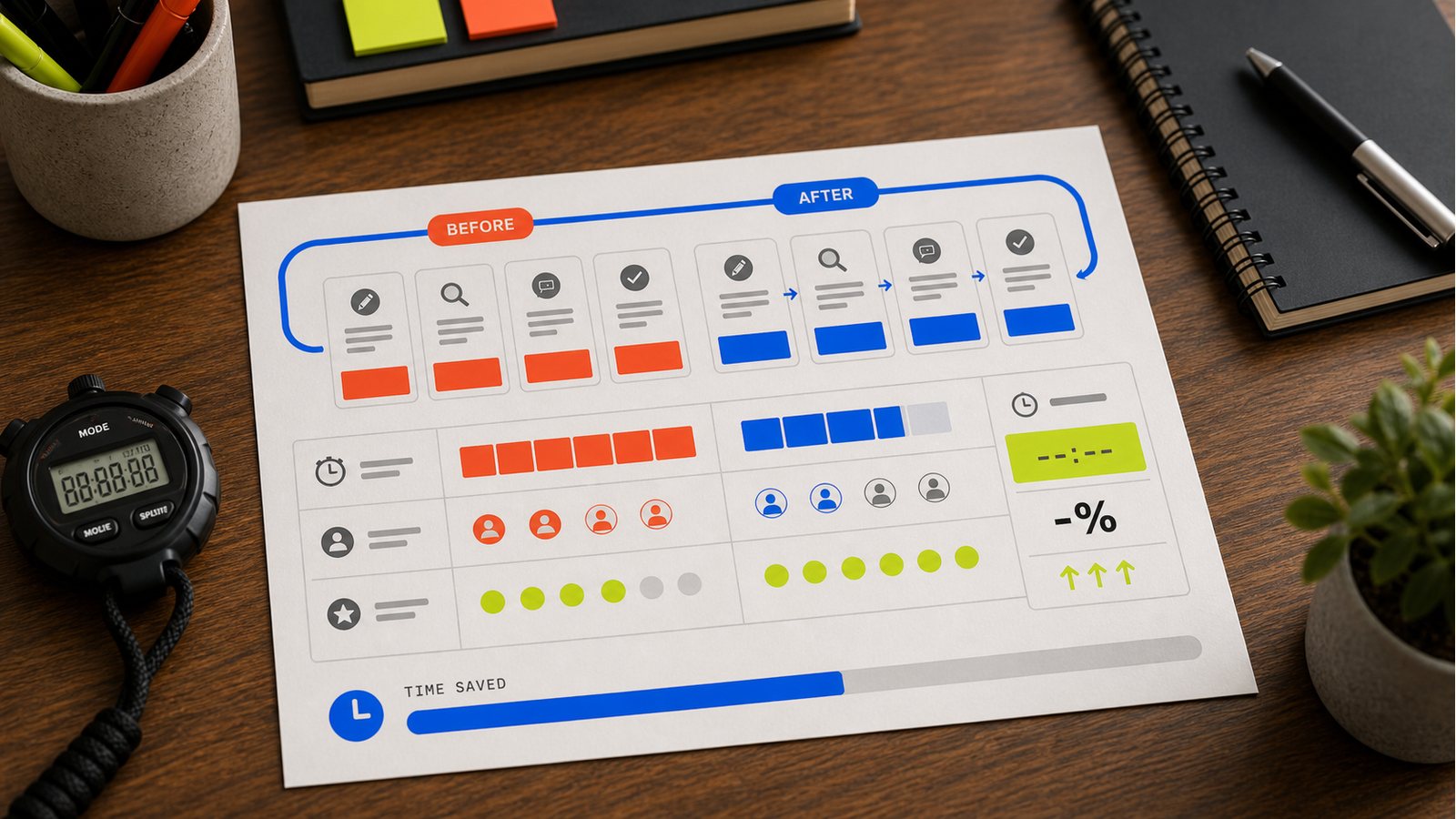
A practical workflow visual for the ideas in this article.
Before you blame the tool: did you set it up?
Here's the part most people miss. When a tool fails this test, the tool often isn't the problem. You are, or rather, your setup is.
Think about why you rewrote the whole output. Usually it's because the AI didn't know your brand voice, didn't have your context, didn't know what good looks like for you. So it produced something generic and you had to fix all of it. That's not the tool being useless. That's the tool flying blind because nobody told it anything.
Give it the missing pieces and the same tool flips from time-waster to time-saver. Your brand voice written down. Your audience. A few examples of work you're happy with. The format you actually want. Do that once, and the output comes back needing a light edit instead of a full rewrite. The difference between "I had to redo everything" and "I tweaked two lines" is almost always setup, not the tool.
So before you judge a tool by this test, ask whether you gave it a fair shot. A tool you set up properly and a tool you pasted a cold prompt into are not the same tool, even if it's the same software.
What a real time-saver looks like
The tools that pass this test share a pattern. The output needs little editing because you set them up with your context once. The task was genuinely tedious or multi-step, the kind of thing that actually eats time. And you'd notice if the tool disappeared, because you'd be back to a real chore.
That's the difference. A real time-saver removes a chore. A fake one adds a satisfying step to a task you could've done plainly.
What to do with the answer
Run the test on your main AI tools this week. The ones that pass, lean into and set up properly so they pass harder. The ones that fail, either fix the setup (often the problem is missing context, so the output needs heavy editing) or stop using them for that task.
Feeling productive is pleasant. Being productive is the point. Five minutes tells you which one you're getting.
---